Asset surveys for facilities management providers
Mobilising a new contract or setting up PPM? Walk the site on a phone or tablet, with or without signal, check the register you inherited against what is really there, and leave every asset tagged and ready for your CAFM system.
The demo runs in your browser and includes worked commercial and office building example surveys.
What's different for FM providers
Choose the FM mobilisation or PPM set-up purpose when you start a survey, and the app asks for what that purpose needs.
Verify the inherited register
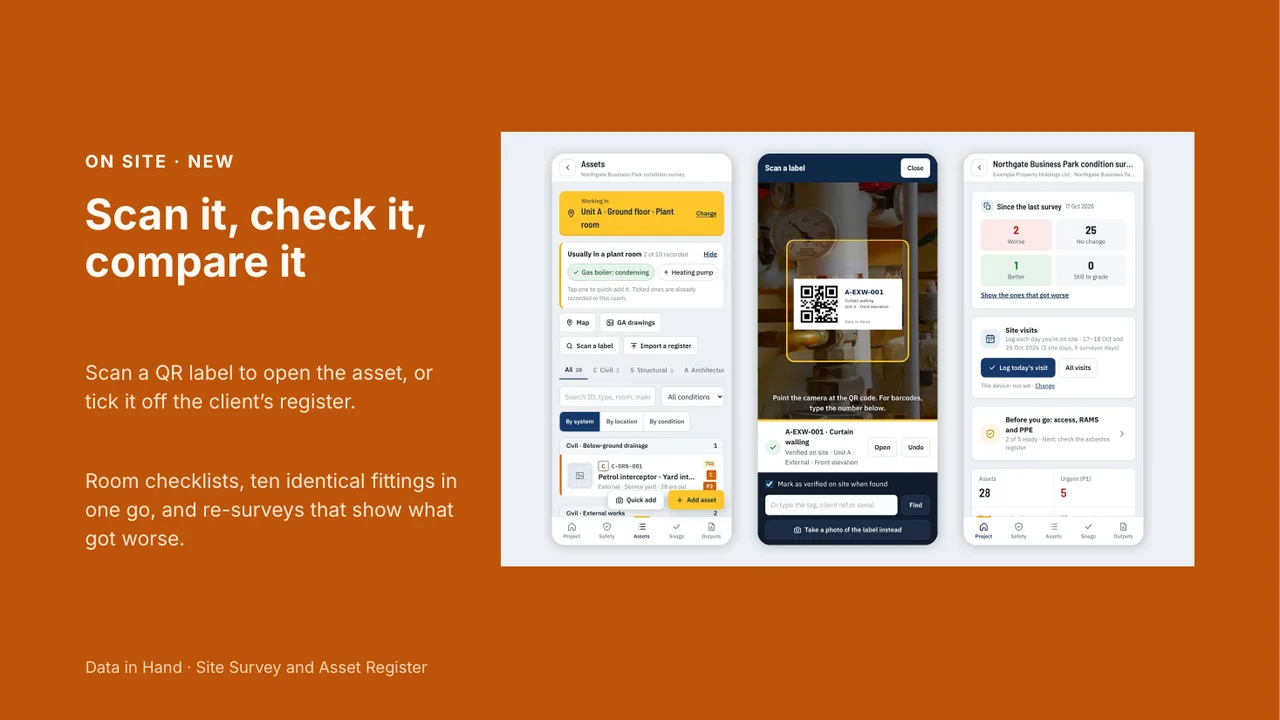
Load the client's register, then scan a tag, client reference or serial number to mark each asset as verified on site. A label that matches nothing can start a new asset.
QR labels any phone can scan
Print QR asset labels the client's maintenance team can scan with any phone, or keep the existing tags as barcodes.
SFG20, Uniclass and NRM
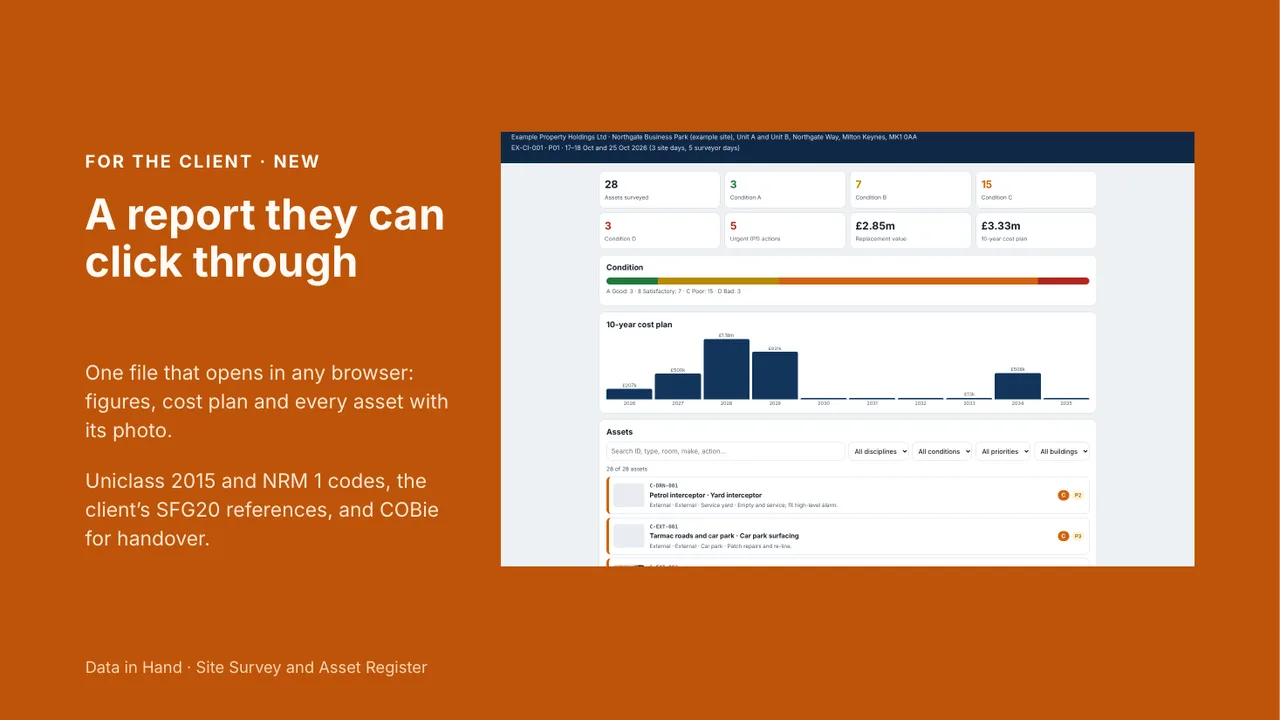
Uniclass 2015 and NRM 1 codes on every asset, plus the client's SFG20 schedule references, all in the asset register.
Re-survey next year
Start next year's survey from this year's and see straight away what got worse, better or stayed the same.
What you issue
Everything comes from the one record made on site, so the report, the register and the plan always agree.
- Excel asset register, with previous condition and change columns on a re-survey
- CSV for CAFM
- QR asset labels the client's maintenance team can scan with any phone
- PDF and Word report
- Lifecycle cost plan over 5 to 25 years
- COBie export
Good for
One surveyor or a whole team
Both editions have every feature.
- Single Surveyor edition: £395 per year, for one surveyor on their own devices
- Team edition: £49 per user per month, billed yearly (£588), on your organisation's Microsoft 365. Minimum 5 users
All prices exclude VAT.
Get the presentation
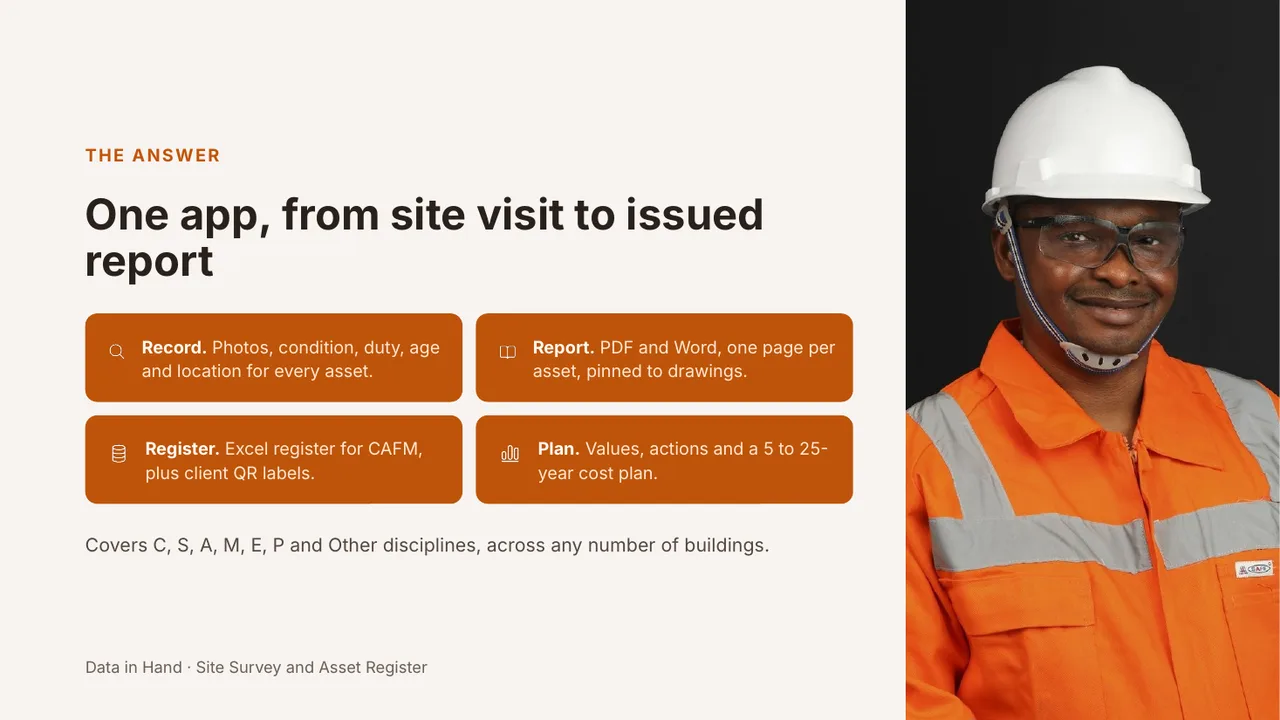
A short PDF deck showing the app on site, the outputs your client gets, and the editions and prices. Good for sharing with your team.
We email you a link to the PDF, usually within one working day. We use your details only to send it and to follow up about Site Survey and Asset Register. See our privacy notice.
A look inside the presentation
Try the Team edition free on one live site
3 months, up to 5 users, set-up included. No cost and no commitment: carry on with a licence, or stop and keep every survey.
The same app for other sites
Set up a survey for the kind of site you're on, or read about everything the app does.
Data centres
Critical power, cooling and white space, with a resilience review: redundancy, single points of failure and loading.
Data centre surveysCommercial and industrial
Offices, retail, logistics and industrial units, from roofs and fabric to plant rooms.
Commercial and industrial surveysResidential
Blocks and estates, with fire doors, communal services, and EPC registers and surveys.
Residential surveysNuclear decommissioning
Safety classes, licence condition 28 examinations and radiological hazards.
Nuclear decommissioning surveysTry it on your next survey
Ask for a quote, a walk-through on a call, or a free pilot on a live project.